New Project
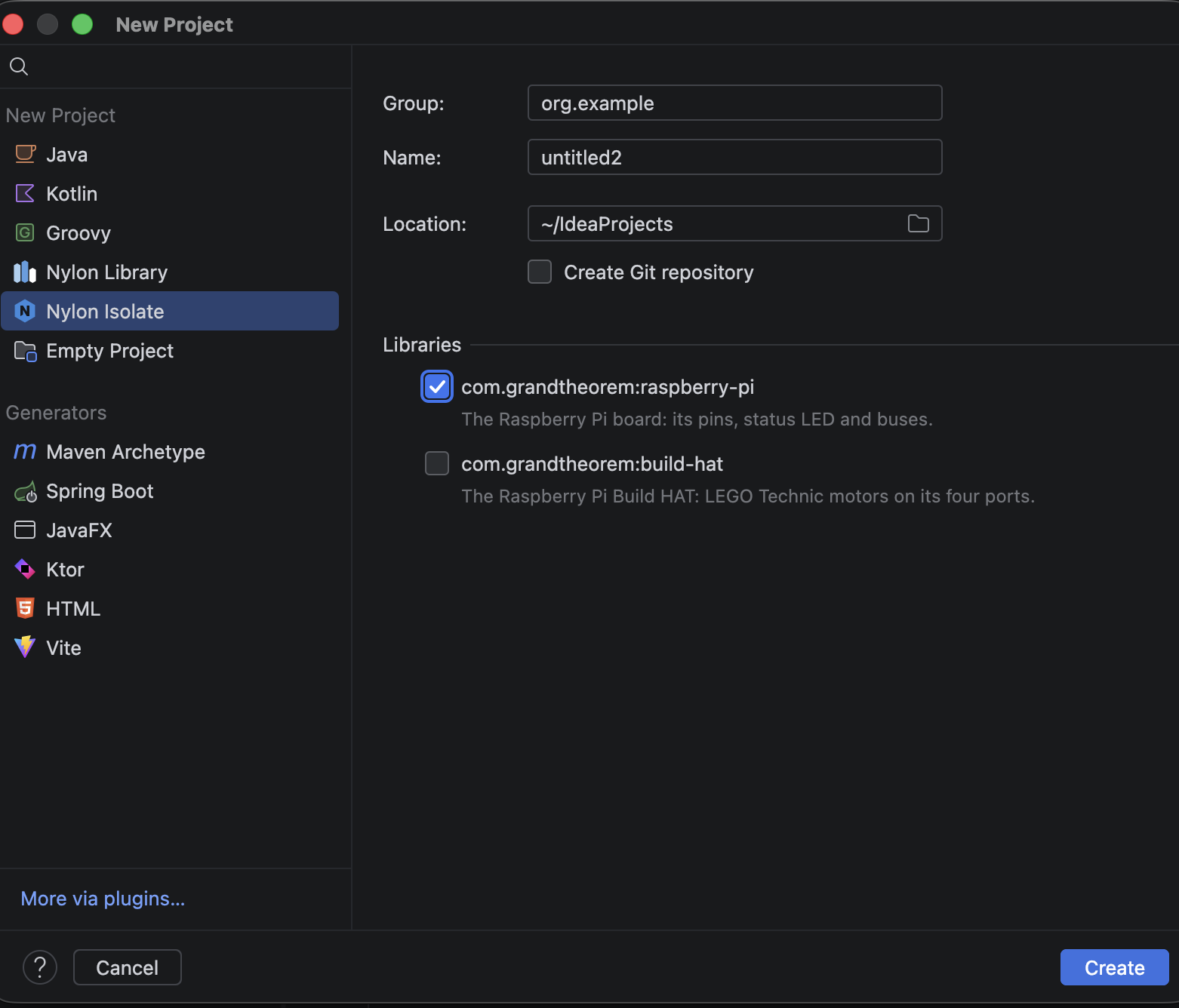
Choose File | New | Project…. The list on the left has two Nylon kinds:
- Nylon Isolate is a program. It builds to a
.nylonfile, which Run sends to a board. - Nylon Library is code for other projects. It builds to a
.nylibfile, which another project links.
The fields
Both kinds ask the same things, on one screen:
- Group names who the project belongs to, such as
org.exampleor your own domain backwards. It's letters, digits,.,_and-. - Name and Location are IntelliJ's own: what the project is called, and where its folder goes.
- Libraries lists the libraries you can start with, such as
com.grandtheorem:raspberry-pifor the board's pins and devices, andcom.grandtheorem:build-hatfor LEGO Technic motors. Ticking the Build HAT ticks the Raspberry Pi too, because it needs it.
Every new project starts at version 0.1.0.
What you get
New Project writes a build file, a first code file and a .gitignore, then opens the code file:
- With nothing ticked, the program prints "Hello World!".
- With the Raspberry Pi ticked, it blinks the board's status light.
- With the Build HAT ticked, it runs a motor on port A.
Project structure, in the docs, goes through each file.