The Nylon window
The Nylon window docks on the right of IntelliJ. It has three parts: your boards, your project's libraries, and what you've run lately.
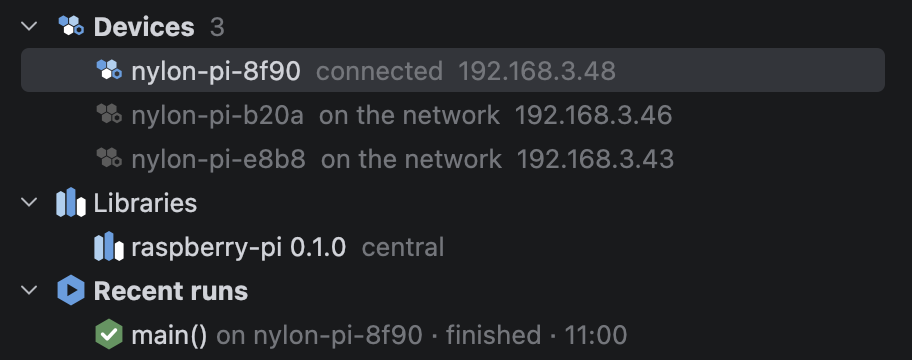
Devices
Every board running Nylon on your network shows up here by itself: each board announces itself, and the plugin listens. A row shows the board's name, whether it's connected, on the network or offline, and its address, with its model too when the board says which it is. A board that has stopped answering is greyed out and marked not answering. While a program uploads, the row shows how far along it is, and while it runs, the program is listed under the board.
If nothing is found, the list says No devices found: check the board is powered and on the same network as your computer.
Libraries
The libraries your build file names, each with its version and where it comes from. A library that another one brings with it is listed under it, marked transitive. When you've changed the build file, this part says Reload needed.
This part only appears in a project with a build file.
Recent runs
What you've run, newest first: the entry point, the board, how it ended, and when. Hover over a run that failed to see why. This part appears once you've run something.
The toolbar
From left to right:
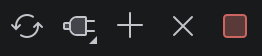
| Button | What it does |
|---|---|
| Reload Nylon Dependencies | Fetches and builds every library the build file names |
| Connect… | Connects to a board found on the network |
| Connect to Address… | Connects to a board by its address, when it can't be found on its own |
| Disconnect | Closes the connection to the selected board |
| Stop Runs | Stops whatever the selected board is running |
Right-click a board for the same actions, or right-click Libraries to add a library.